Add playlist
Your playlists
On the TV choose RELOAD to load changes.
Enter the Device ID and Device Key shown on your TV, then add your own playlist. Taco does not provide any content.
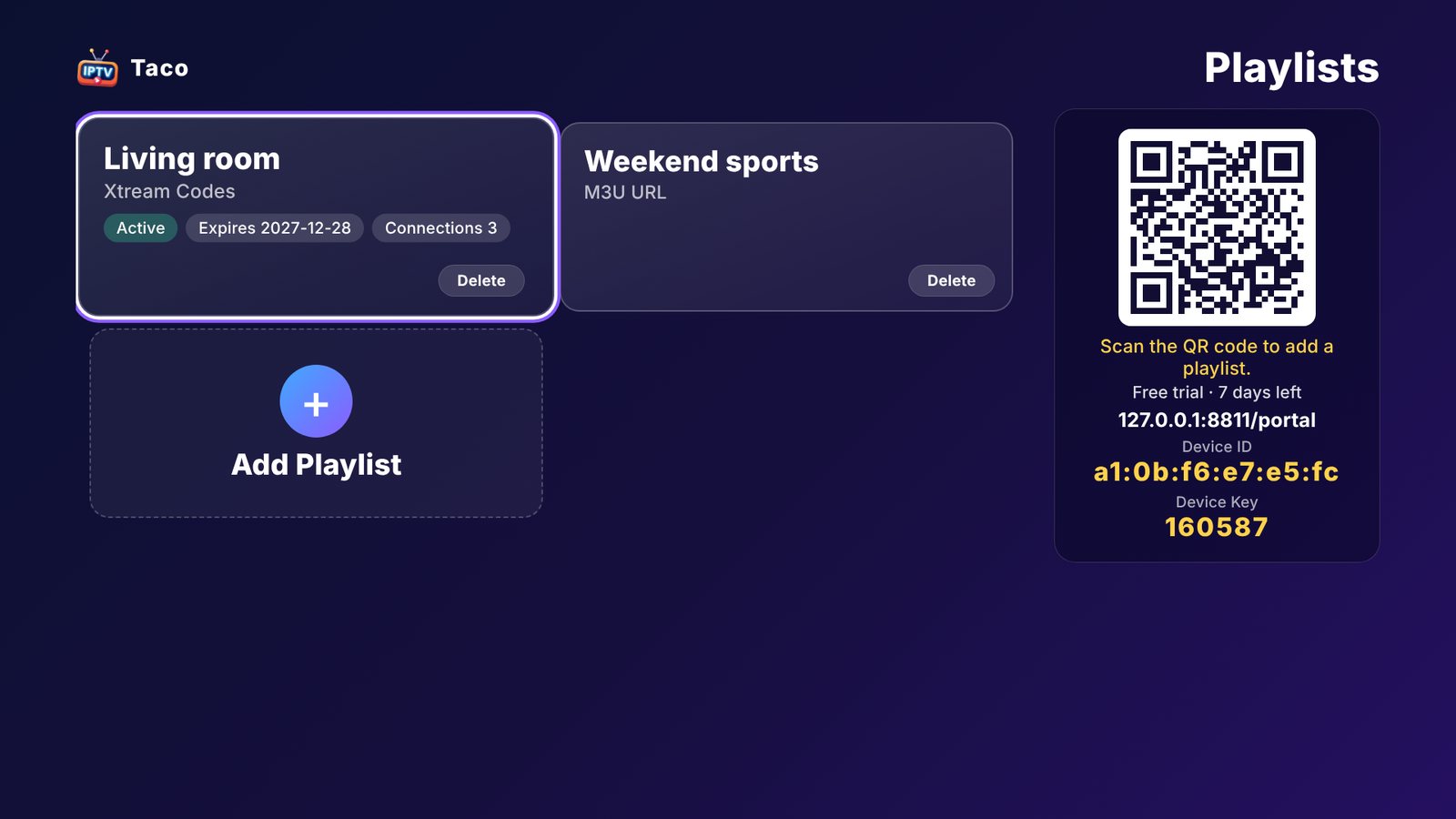
On the TV choose RELOAD to load changes.
Use only playlists from providers you have the right to use.